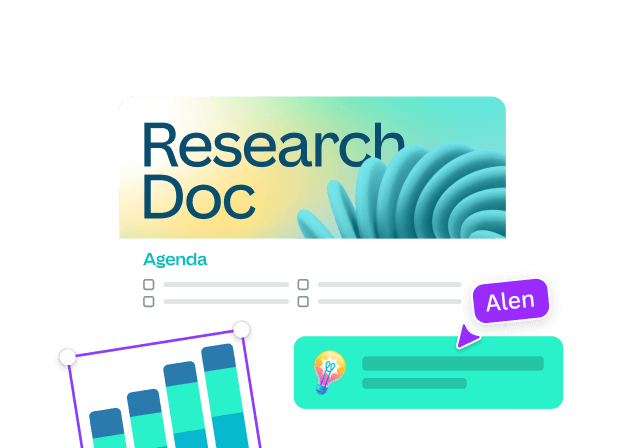
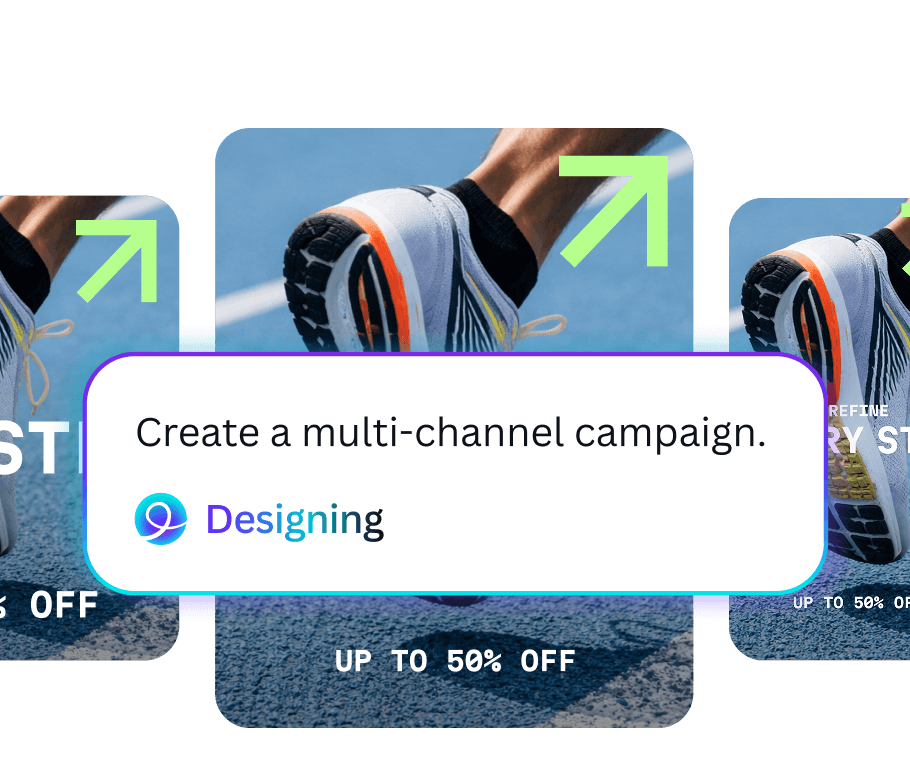
Magic Design
Describe the design or add media; get a set of editable starting points.
 Canva
CanvaCanva brings design, video, presentations, documents and collaboration into one visual workspace. This independent guide shows where Canva AI accelerates the first draft—and where your judgment still makes the work yours.
 Magic Layers
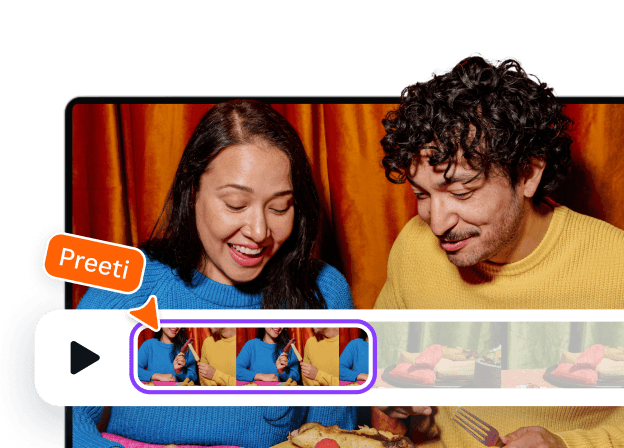 Video Suite
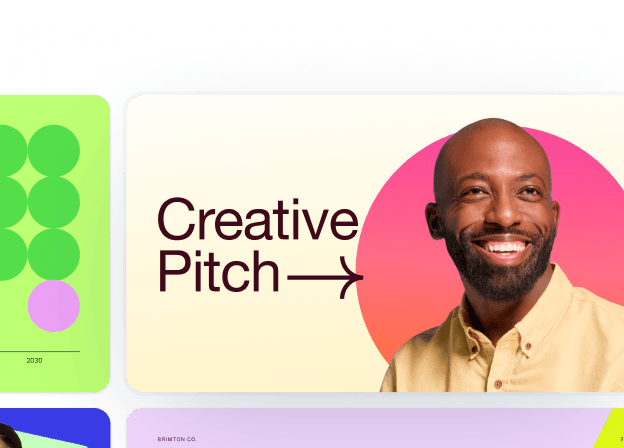 Presentations
You can start with a blank page, a template, a photo, a presentation outline or a sentence. Canva’s strength is what happens next: editing, collaboration, stock media, brand controls and publishing stay in the same visual environment. Its AI features are most useful when they help you get to an editable starting point rather than a finished image you cannot touch.
Open the official Canva workspace ↗Choose an output, not a technical category.
Canva’s AI layer covers more than image generation. It can help create a starting layout, draft copy, remove a background, reshape an image and refine a design while you remain in the editor.
Read Canva’s Magic Studio announcement ↗Describe the design or add media; get a set of editable starting points.
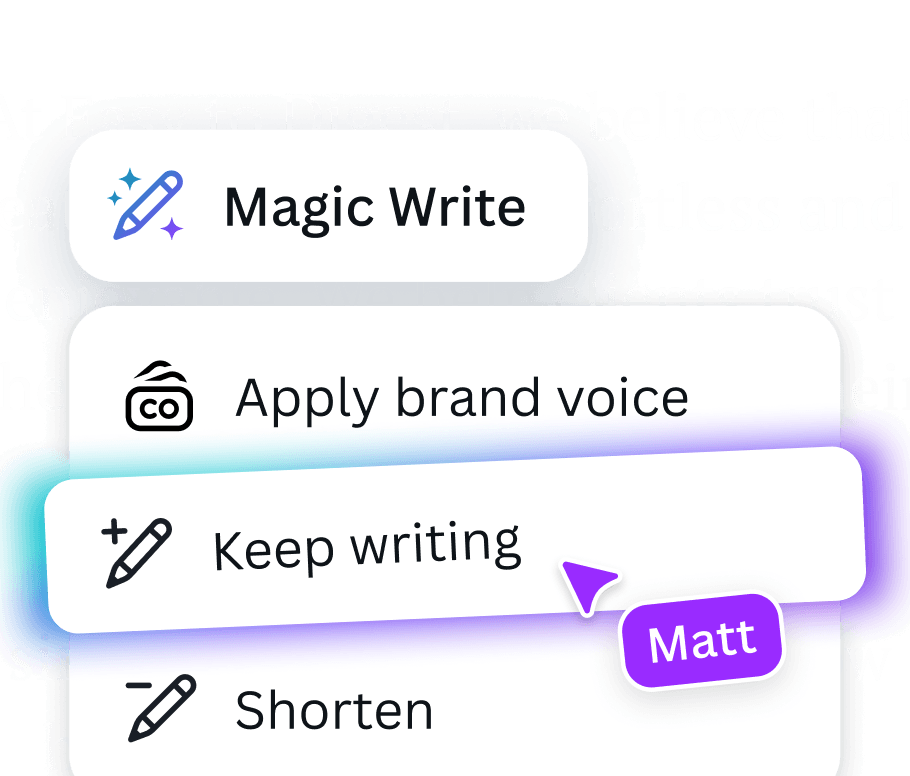
Generate a first draft, outline, caption or rewrite inside the creative flow.
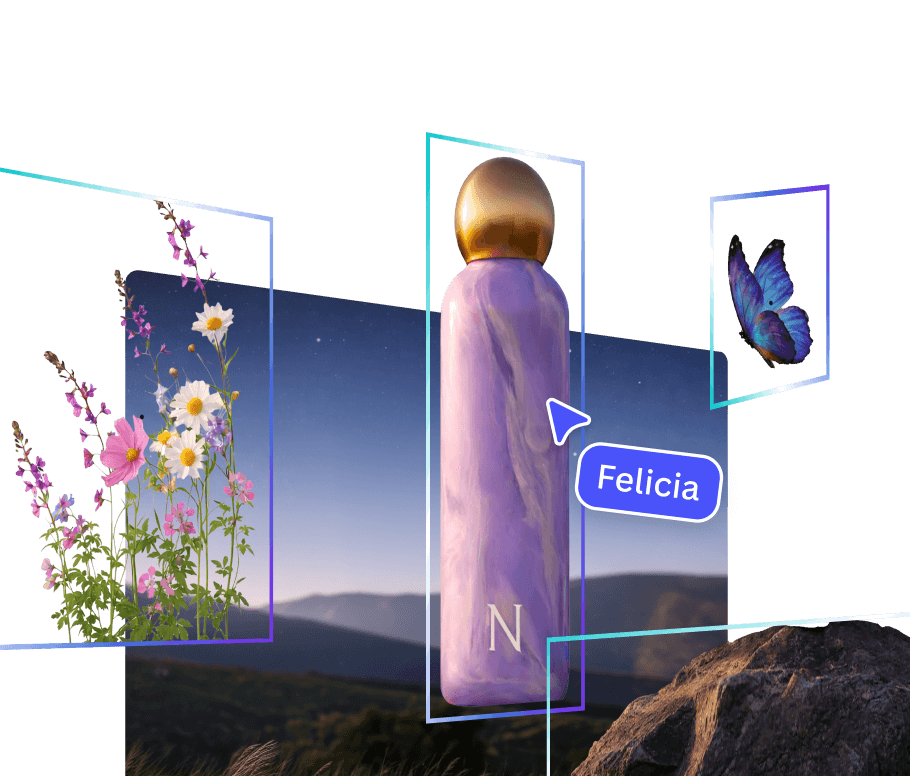
Turn a flat image into editable layers so you can refine the parts.
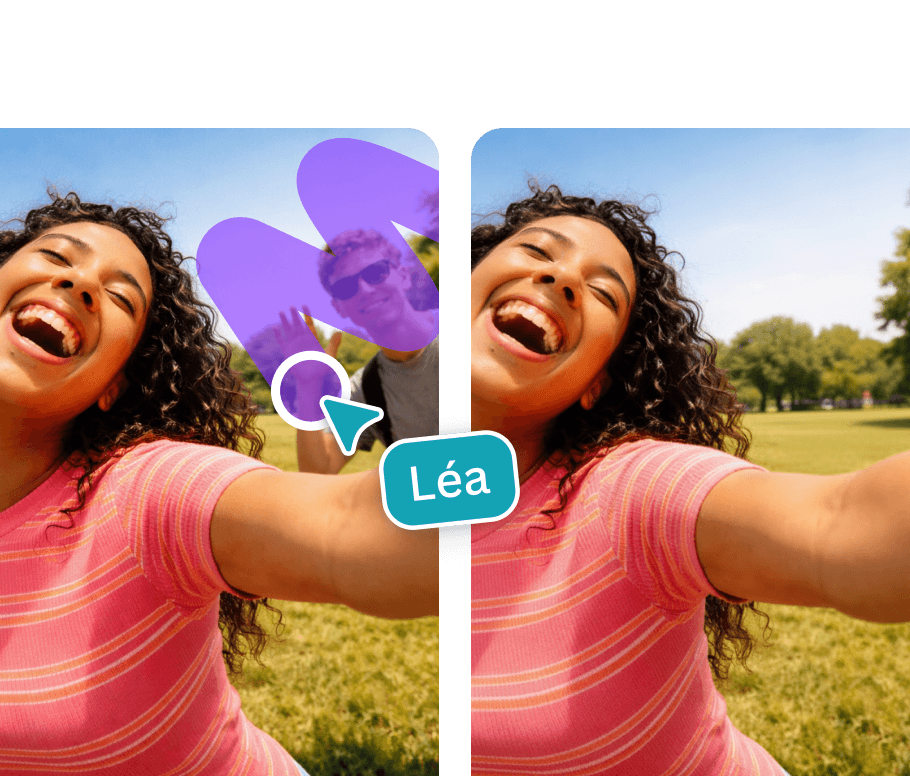
Change or extend visual elements without leaving the design.
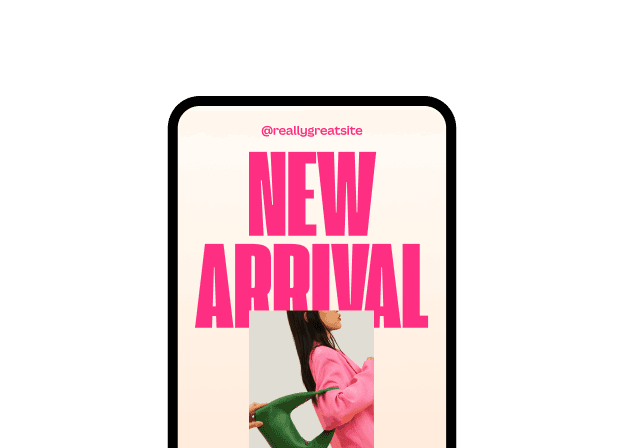
Apply the right fonts, colors and brand context from the start.
Work conversationally across design, writing and visual tasks.
Official Canva resources plus practical starting points.
This official Canva video demonstrates the shift from a finished-looking image to a design that can be refined, rearranged and reused.
Read the official Magic Layers article ↗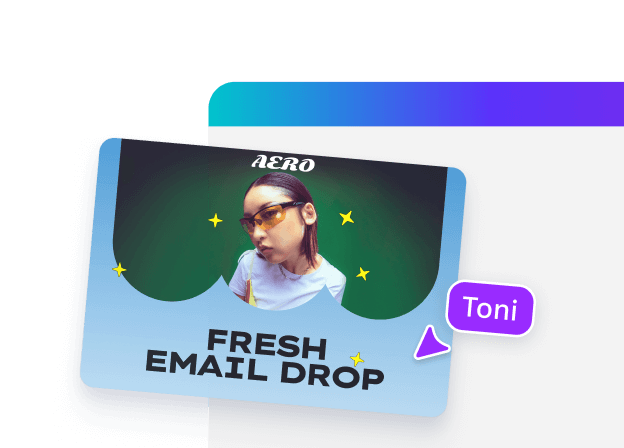
For a solo creator, that may mean a saved palette and a few reusable templates. For a team, Brand Kits and Brand Templates create a common starting point so every new design does not become a fresh negotiation.
 Primary mark · clear space
One brief can become a family of useful outputs.
Write a prompt, upload a photo, paste a brief or open a template.
Let Magic Design propose a start, then select what actually feels like you.
Rewrite, resize, replace, animate, rearrange and bring in the human taste.
Turn the same idea into the formats your audience actually sees.
Official updates worth opening in a new tab.
Canva describes a more conversational creative partner that works across its Visual Suite.
Read the official announcement ↗A new approach to separating text, objects and layout relationships so a static output can be refined.
Read the official announcement ↗Use a sentence or media to generate a set of customizable, on-brand design starting points.
Open Magic Design ↗Keep logos, colors, fonts and assets organized so a group can create with fewer inconsistencies.
Open the Brand Kit guide ↗See how social, video, documents, presentations, websites and more live inside one connected workspace.
Explore the Visual Suite ↗Ask for ideas, visual directions and refinements without leaving the editor.
Open Canva AI ↗Canva is a strong fit when you need many visual formats, fast iteration and a team-friendly editing surface. Start with one real brief. See whether templates and AI give you a better first draft without flattening your taste.